One Library, Every Store
Epic, Steam and GOG games sit side by side, together with the programs already on your PC.
- Store badges and filters
- Favorites and collections
- Type-ahead search, full keyboard control
Your games are scattered. Gamekins brings your Epic Games, Steam, GOG and local games into one fast, good-looking desktop library.
Works withEpic GamesSteamGOGLocal folders
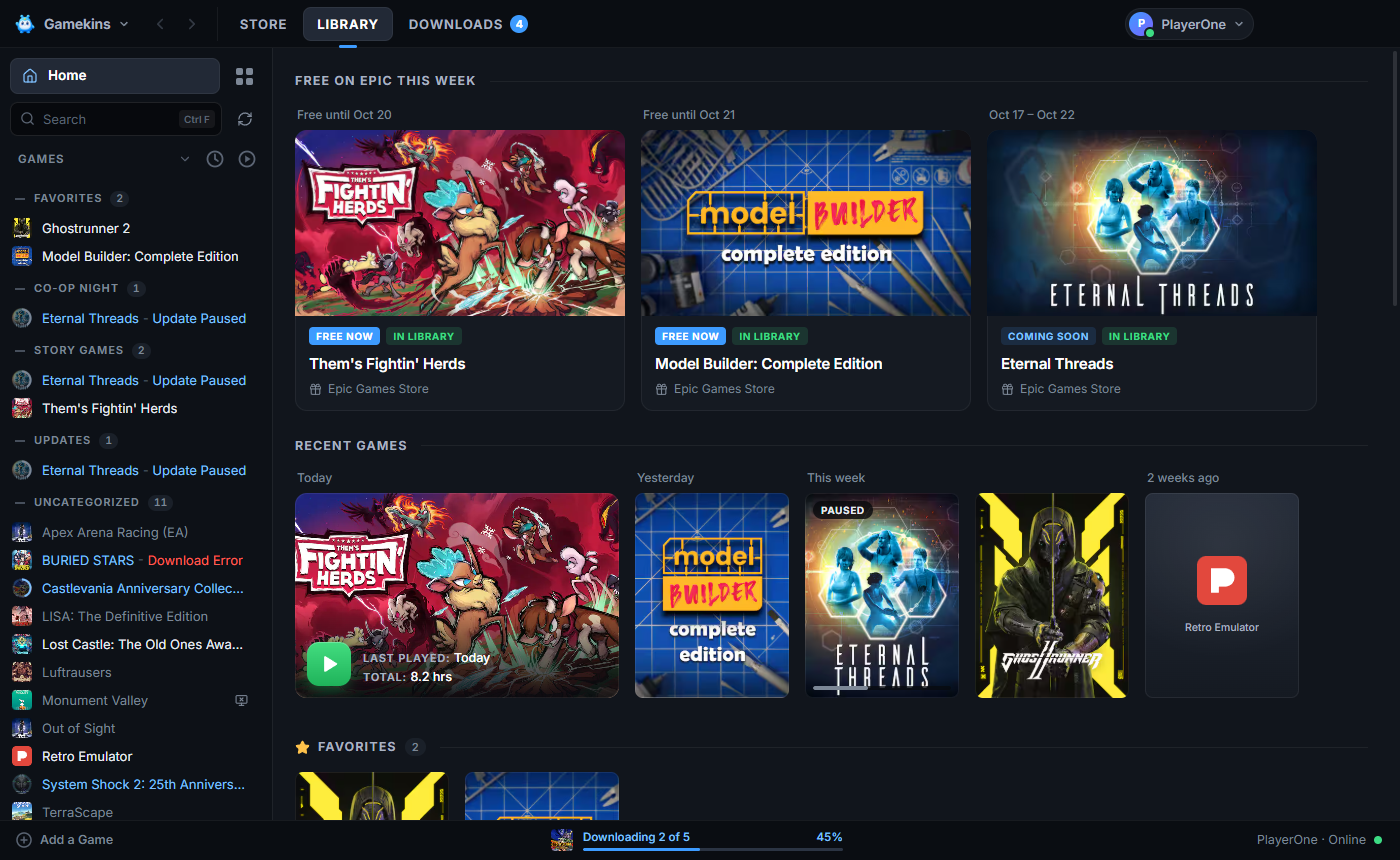
Pause on Tuesday, resume on Friday. Gamekins downloads supported Epic games itself, checking every file as it is written, and only fetches what changed on update.
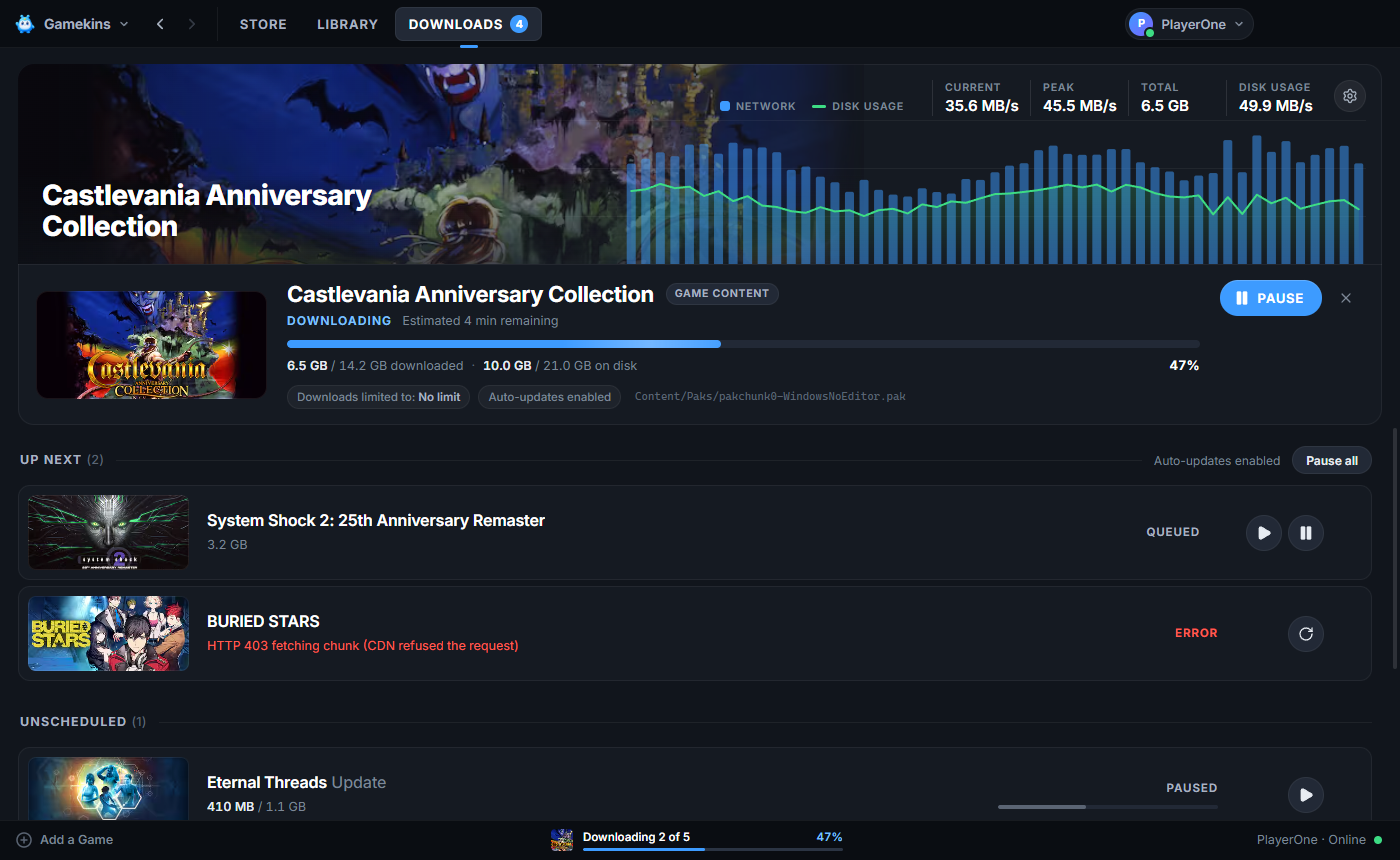
One tab for every store, a page for every game, and none of the scavenger hunt. Here is what you get.
Epic, Steam and GOG games sit side by side, together with the programs already on your PC.
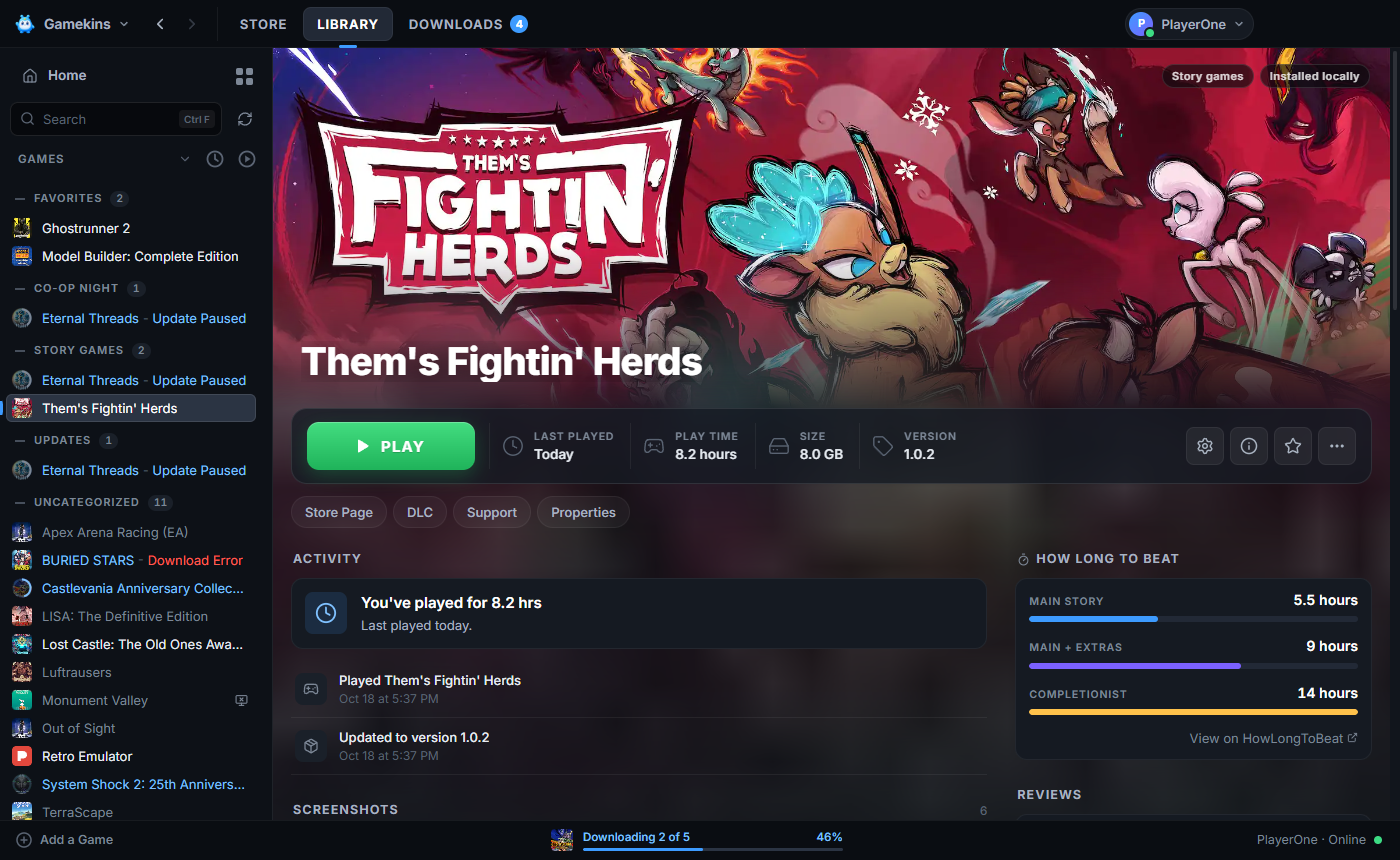
Hero art, a big Play button, your play time and everything you need to manage the game in one place.
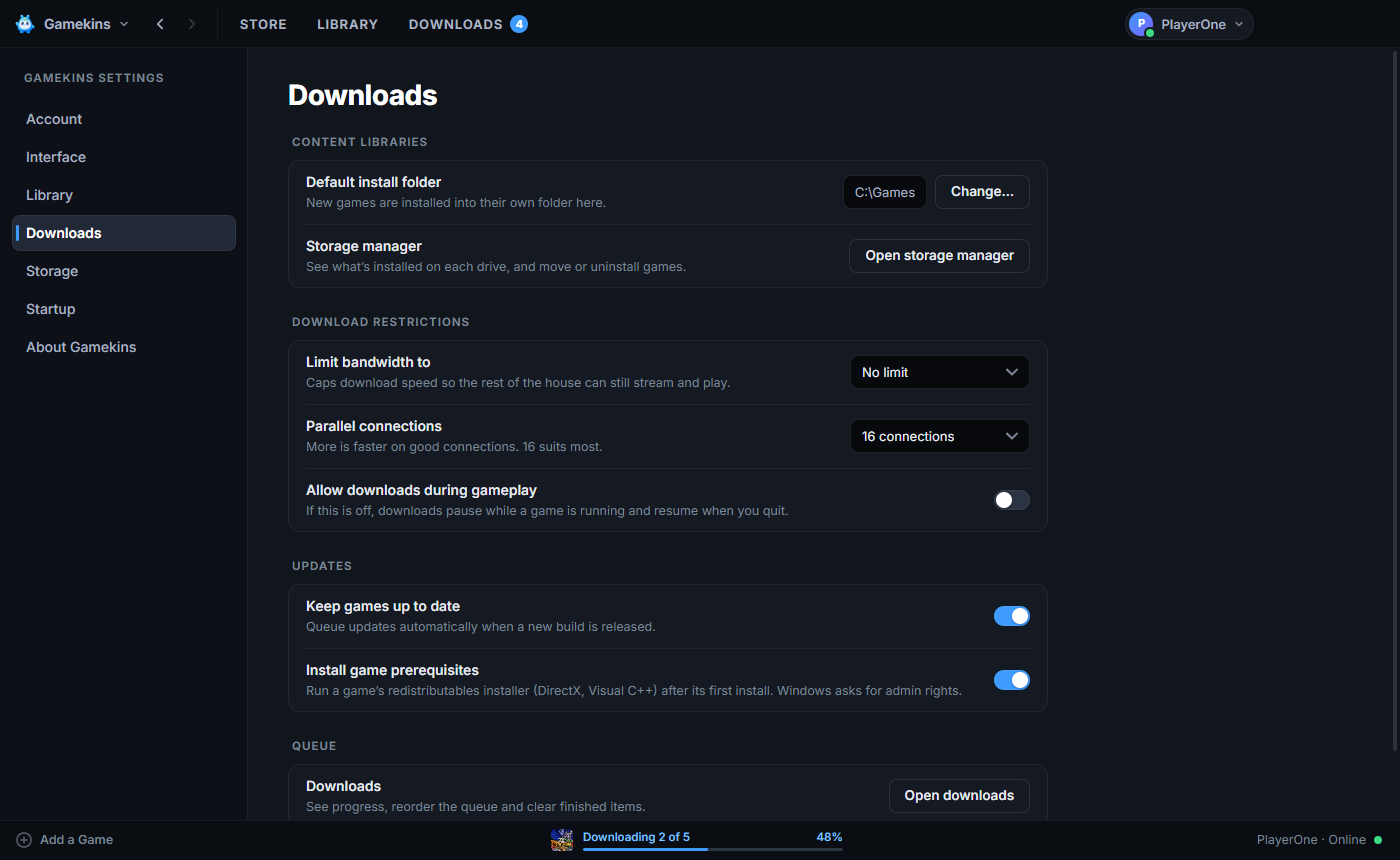
Parallel, verified and resumable, with graphs, a queue and a bandwidth limit when you want them.
Add any program, adopt games the Epic launcher installed, and launch them without starting over.
Connect Epic, Steam and GOG to bring your owned games and existing installs into one collection.
See friends from your connected Epic, Steam and GOG accounts together, with online status and game activity.
Screenshots straight from the app. Sample library data and offers shown for illustration; games and licenses are separate.

Gamekins is free and open source. Get it from Microsoft Store for Windows, or download the early macOS and Linux releases.
# prefer to build it yourself?
$ pnpm install --frozen-lockfile
$ pnpm dev